
Tips
How to Switch Characters in GTA 6 (Jason & Lucia): Controls & When It Unlocks
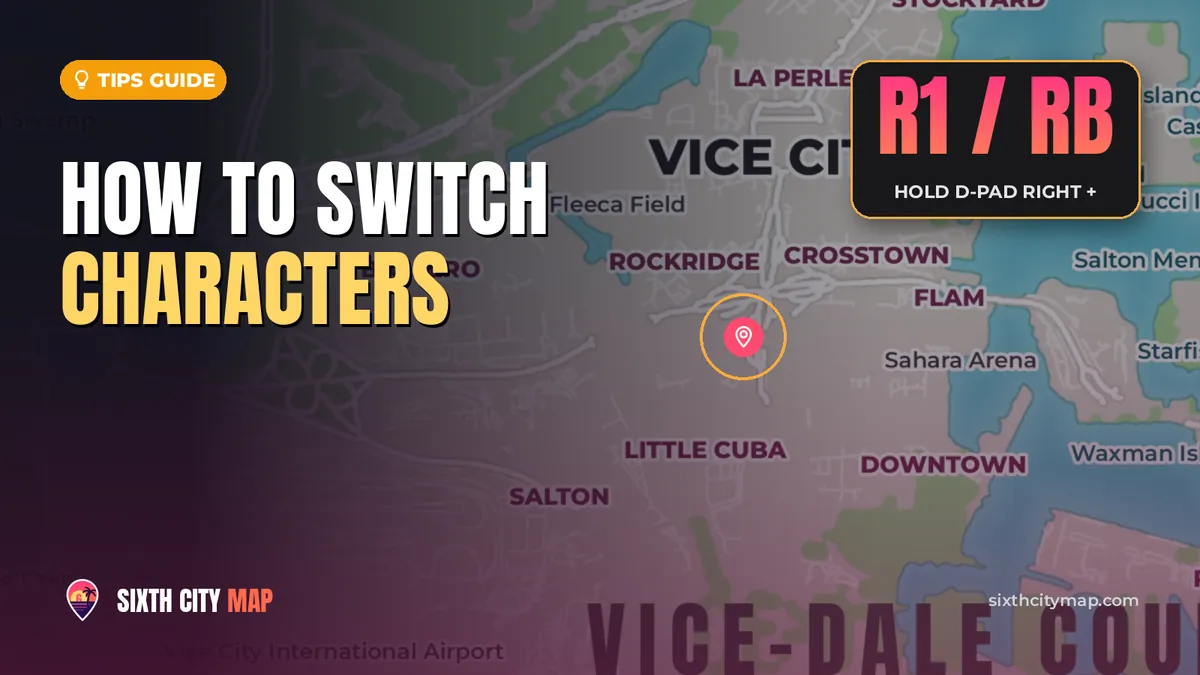
Hold D-pad Right and press R1 (PS5) or RB (Xbox). Free switching unlocks during Chapter 2; before that, the story decides who you play.
On this page (6)
GTA 6 lets you play as both Jason Duval and Lucia Caminos — but not straight away, and not inside every mission. Here's exactly how switching works.
How to switch characters
| Action | PS5 | Xbox Series X|S |
|---|---|---|
| Switch to the other character | Hold D-pad Right + press R1 | Hold D-pad Right + press RB |
| Partner options (Play together / Split up) | Hold D-pad Right | Hold D-pad Right |
Not D-pad Down! In GTA 5 you held Down to switch. In GTA 6, Down is used for picking a destination, so the switch moved to Right.
When can you switch freely?
| Story point | Can you switch? |
|---|---|
| Prologue | No — you play Lucia in a scripted section |
| Chapter 1 | No — you play Jason; the story moves you to Lucia at set moments |
| Chapter 2 | You mostly play Lucia; free switching unlocks during this chapter |
| Chapter 3 onward | Yes, outside character-locked missions |
The game makes it obvious when switching opens up — the switch simply starts working. When can you play as Lucia? →
Play together or split up
Holding D-pad Right gives you more than a switch:
- Play together — your partner follows you around as an AI companion.
- Split up — each character goes their own way until you switch back.
Spending time together is good for the relationship, so don't leave one character alone for too long. How the relationship works →
Why can't I switch characters?
Rockstar designed switching to follow the story: some missions force one character, some make you switch, and some let you choose. If it won't work:
- You're still early in the story — Chapter 1 or early Chapter 2.
- You're in a character-locked mission. The required character is shown on the mission's map icon.
- You're at home. The other character can be greyed out at the house — step outside.
- The other character is busy with something in the story.
Tips
- Check mission icons before driving across the map — you might need the other character.
- Use both characters for activities; each builds their own criminal profile.
FAQ
How do you switch characters in GTA 6?
Hold D-pad Right and press R1 on PS5 or RB on Xbox.
When can you switch between Jason and Lucia?
Free switching unlocks during Chapter 2.
Why is Lucia greyed out?
You may be at home, in a character-locked mission, or still too early in the story.
Can you play as both at the same time?
You control one at a time, but your partner can follow you with Play together.
Related guides
 Tips
GTA 6 Schafter V12: Stats, Real-Life Car and How to Steal It for Raul
Everything about the Benefactor Schafter V12 in GTA 6: stats, the real car it's based on, how to steal it for Raul without killing anyone, and how to get your own.
3 min read · Updated November 25, 2026 Tips
Buckingham Windsor Drop GTA 6 Location: Easiest Spot for Randy's Wish List
Where to find the Buckingham Windsor Drop in GTA 6 for Randy's Wish List: the Status Auto Imports showroom, Capri houses and other spawns, plus stats and tips.
2 min read · Updated November 25, 2026 Tips
Fastest Car in GTA 6: Top Cars Ranked by Speed (Thrax, Emerus, Jugular and More)
What is the fastest car in GTA 6? The Truffade Thrax leads by in-game stats, with Andrew Node's Thrax on top. Here's the ranking, how to get them, and where the Ocelot Jugular fits.
2 min read · Updated November 25, 2026